01
Откуда отправляются заказы и сколько времени занимает доставка?
Большинство заказов iKAGOO отправляются с нашего склада выполнения в Китае после проверки конфигурации продукта и информации об автомобиле.
Обычная обработка заказа занимает примерно 1–3 рабочих дней. Ориентировочный срок доставки после отправки обычно составляет:
- США и Канада: примерно 5–9 рабочих дней
- Европейский союз: примерно 7–15 рабочих дней
- Великобритания и Австралия: примерно 7–10 рабочих дней
- Другие поддерживаемые регионы: примерно 7–20 рабочих дней
Таможенное оформление, праздники, погода, задержки перевозчика и доставка в отдаленные районы могут повлиять на эти сроки.
02
Включены ли импортные пошлины и налоги?
Выберите доставку DDP при оформлении заказа: iKAGOO покрывает применимые импортные пошлины и налоги, включенные в выбранную услугу DDP. Дополнительная оплата этих покрытых сборов при доставке не требуется.
Стандартная доставка: Импортные пошлины, НДС и таможенные сборы не включены и могут взиматься отдельно.
Направления DDP — при условии доступности при оформлении заказа
США: 48 смежных штатов.
Европейский союз (27): Австрия, Бельгия, Болгария, Хорватия, Кипр, Чехия, Дания, Эстония, Финляндия, Франция, Германия, Греция, Венгрия, Ирландия, Италия, Латвия, Литва, Люксембург, Мальта, Нидерланды, Польша, Португалия, Румыния, Словакия, Словения, Испания, Швеция.
Дополнительные направления (14): Канада, Великобритания, Австралия, Объединенные Арабские Эмираты, Сингапур, Малайзия, Таиланд, Вьетнам, Индонезия, Филиппины, Бруней, Мьянма, Камбоджа, Лаос.
Доступные способы доставки и стоимость отображаются после ввода адреса доставки. Может применяться плата за доставку в отдаленные районы.
Руководство по доставке DDP →
03
Можно ли заказать экспресс-доставку и как отследить посылку?
Экспресс- или ускоренная доставка может быть доступна для отдельных товаров и направлений. Доступность, перевозчик и любые дополнительные расходы подтверждаются до отправки.
В зависимости от маршрута и типа товара iKAGOO может использовать DHL, FedEx, UPS, EMS, 4PX или другого логистического провайдера с отслеживанием.
После отправки номер отслеживания или ссылка для отслеживания обычно отправляются на адрес электронной почты, использованный при оформлении заказа. Обновления отслеживания могут появиться только через несколько рабочих дней во время передачи между международными перевозчиками.
04
Какова политика возврата и возмещения?
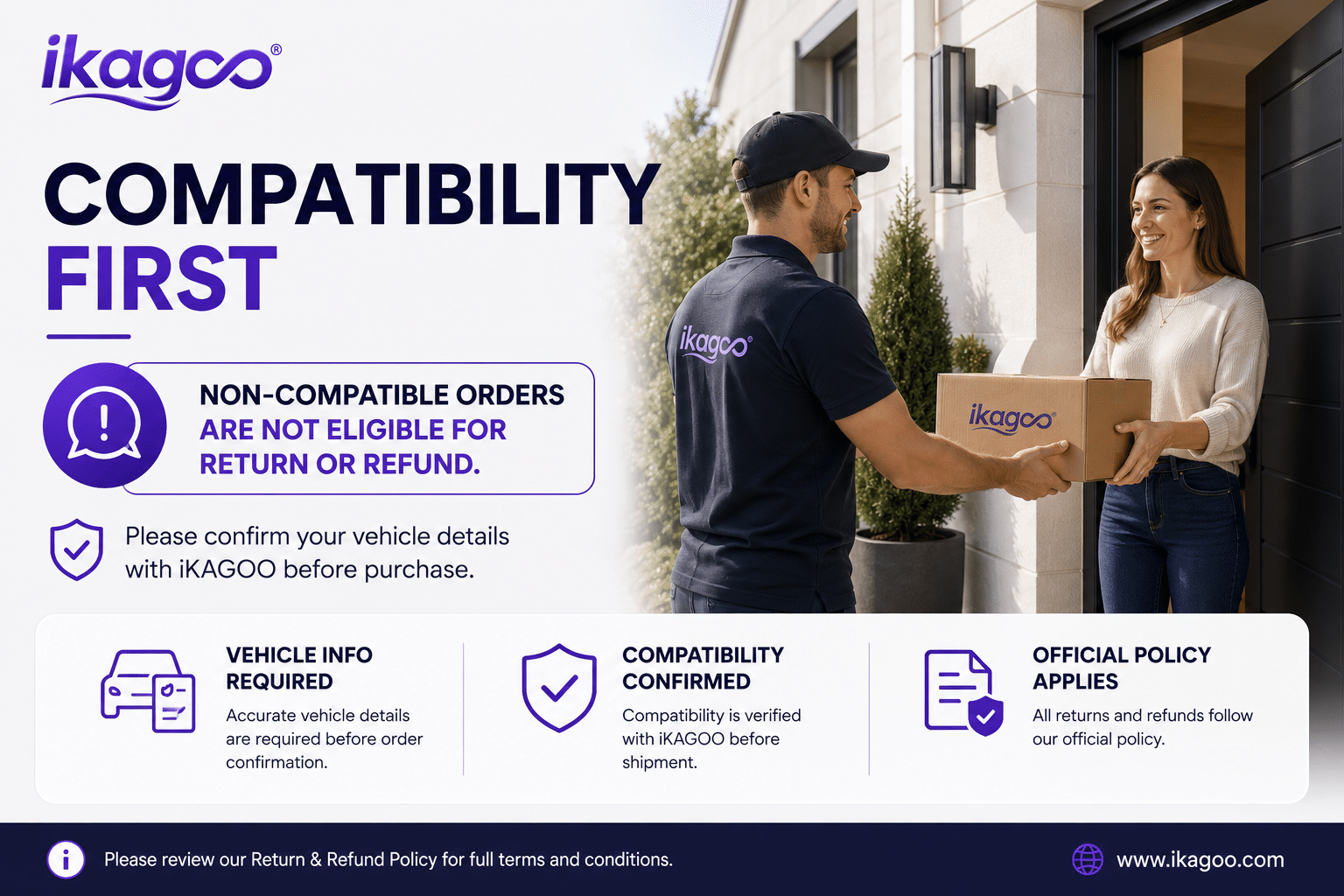
Право на возврат зависит от причины возврата, состояния товара, статуса установки, подтверждающих доказательств и того, был ли возврат одобрен iKAGOO.
Для одобренного возврата товара без дефектов товар обычно должен оставаться неиспользованным, неустановленным, комплектным и пригодным для перепродажи. Клиент, как правило, несет ответственность за расходы на одобренный возврат.
Первоначальная стоимость доставки, DDP, НДС, таможенные пошлины и другие логистические расходы, как правило, не подлежат возврату, если это не требуется по закону или иначе не подтверждено iKAGOO.
Не отправляйте товар обратно до получения одобренного адреса возврата и инструкций по возврату от iKAGOO.
05
Что делать, если товар по-прежнему невозможно установить после проверки совместимости?
Дополнительная защита может применяться, если iKAGOO проверила совместимость с автомобилем, клиент предоставил точную информацию об автомобиле и были выполнены разумные шаги по установке и диагностике.
Если iKAGOO подтверждает, что разумное техническое решение недоступно, и проблема заявлена в течение через 7 календарных дней после доставки, клиент может иметь право на возврат стоимости товара без необходимости возвращать товар.
Первоначальная стоимость доставки, DDP, НДС, таможенные пошлины и другие расходы третьих сторон не включены в этот возврат стоимости товара.
06
Какая гарантия предоставляется, и аннулируется ли она при вскрытии товара?
Подходящие товары включают 12-месячная ограниченная гарантия на аппаратное обеспечение распространяется на подтвержденные производственные дефекты и подлежащие покрытию отказы оборудования при нормальном использовании.
В зависимости от подтвержденной проблемы поддержка может включать удаленную диагностику, помощь в настройке, запасные части, ремонт, замену, частичный возврат или полный возврат средств.
Проверка или экспертиза третьей стороной не отменяет автоматически всю гарантию. Однако повреждения, вызванные несанкционированным ремонтом, неправильной модификацией, поврежденными цепями, неправильной сборкой, неправильной проводкой, ударом, попаданием воды или неправильным использованием, обычно не покрываются.
Свяжитесь с iKAGOO перед разборкой, модификацией или ремонтом товара, чтобы можно было предоставить правильную процедуру диагностики.
07
Что делать, если мой заказ пришел поврежденным или в нем отсутствуют какие-то детали?
Свяжитесь с iKAGOO в течение через 7 календарных дней после доставки и сохраните оригинальную упаковку, транспортную этикетку, аксессуары и товар.
Пожалуйста, предоставьте четкие фотографии или видео, на которых видно:
- Внешняя транспортная коробка и транспортная этикетка
- Видимое повреждение упаковки
- Продукт и пораженный участок
- Все аксессуары и проводка получены
После проверки iKAGOO может организовать отправку недостающей части, замену, ремонт, возврат средств или другое разумное решение.
08
Что, если я заказал не ту версию или мне нужно изменить заказ?
Свяжитесь с iKAGOO как можно скорее и до установки. По вопросам изменения адреса, конфигурации автомобиля или товара свяжитесь с нами желательно в течение Через 12 часов после оформления заказа.
Обмен или возврат может быть одобрен, если неправильно выбранный товар остаётся неиспользованным, неустановленным, комплектным и пригодным для перепродажи. Как правило, клиент несёт ответственность за соответствующие расходы на доставку и разницу в цене.
Товары, специфичные для конкретного автомобиля, могут быть направлены на закупку, программирование, тестирование или конфигурацию вскоре после оплаты. После начала подготовки или отправки отмена может стать невозможной, либо уже понесённые разумные расходы могут быть удержаны.
09
Что входит в комплект?
Комплектация посылки зависит от товара, модели автомобиля, заводской системы и выбранной конфигурации.
В зависимости от товара в комплект могут входить основное устройство, жгуты проводов для конкретного автомобиля, интерфейс CANBUS, адаптеры, USB-кабели, антенны, микрофоны, крепёжные элементы или другие необходимые аксессуары для установки.
Точный состав вашего заказа указан в соответствующих фотографиях товара, характеристиках и подтверждении заказа.
10
Как связаться с iKAGOO для технической поддержки или послепродажного обслуживания?
Вы можете связаться с iKAGOO через форму обратной связи на сайте, WhatsApp или другие доступные каналы поддержки. Обычное время ответа — в течение 24 рабочих часа.
Для более быстрой технической диагностики укажите номер заказа, модель и год автомобиля, фотографии соответствующей заводской системы, фотографии товара и чёткое видео, демонстрирующее проблему.
Свяжитесь со службой поддержки iKAGOO →
11
Безопасна ли оплата и доступны ли варианты рассрочки?
Платежи обрабатываются через безопасные способы оплаты, отображаемые при оформлении заказа.
Доступные варианты оплаты картой, электронным кошельком и в рассрочку могут различаться в зависимости от страны, валюты, платёжного провайдера и права клиента на их использование.
Услуги рассрочки, включая варианты, предлагаемые PayPal или другим платёжным провайдером, по-прежнему зависят от региональной доступности и требований одобрения этого провайдера.
Этот раздел представляет собой упрощённое руководство для клиентов. Полные опубликованные страницы политики, подтверждение заказа и применимое законодательство о защите прав потребителей имеют приоритет в случае любых расхождений в формулировках.


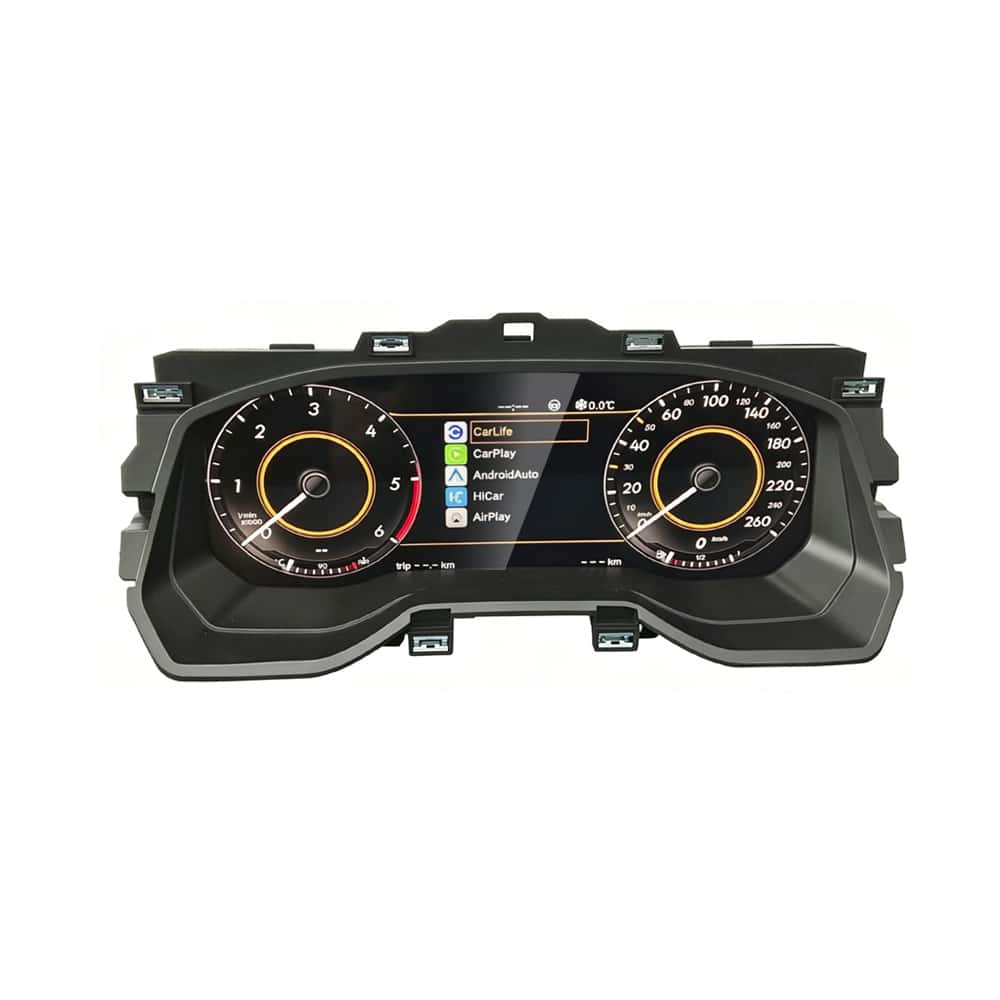
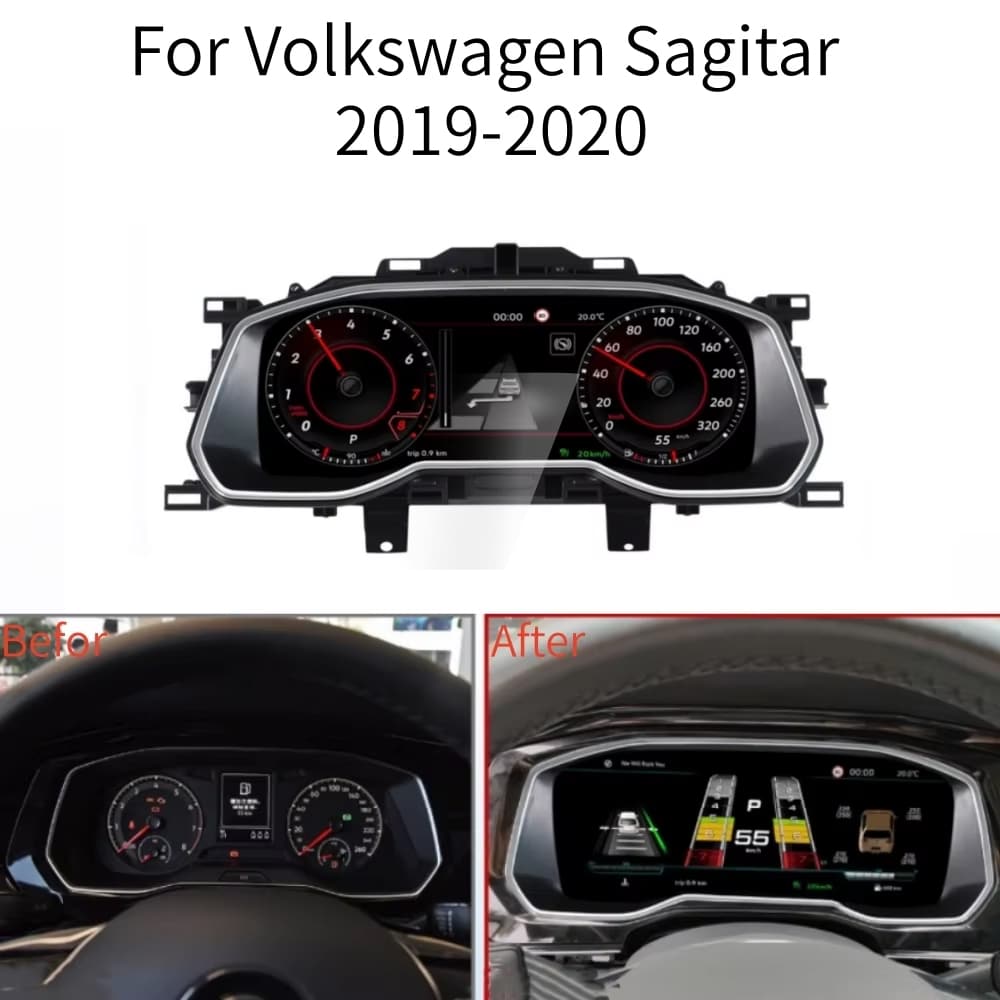
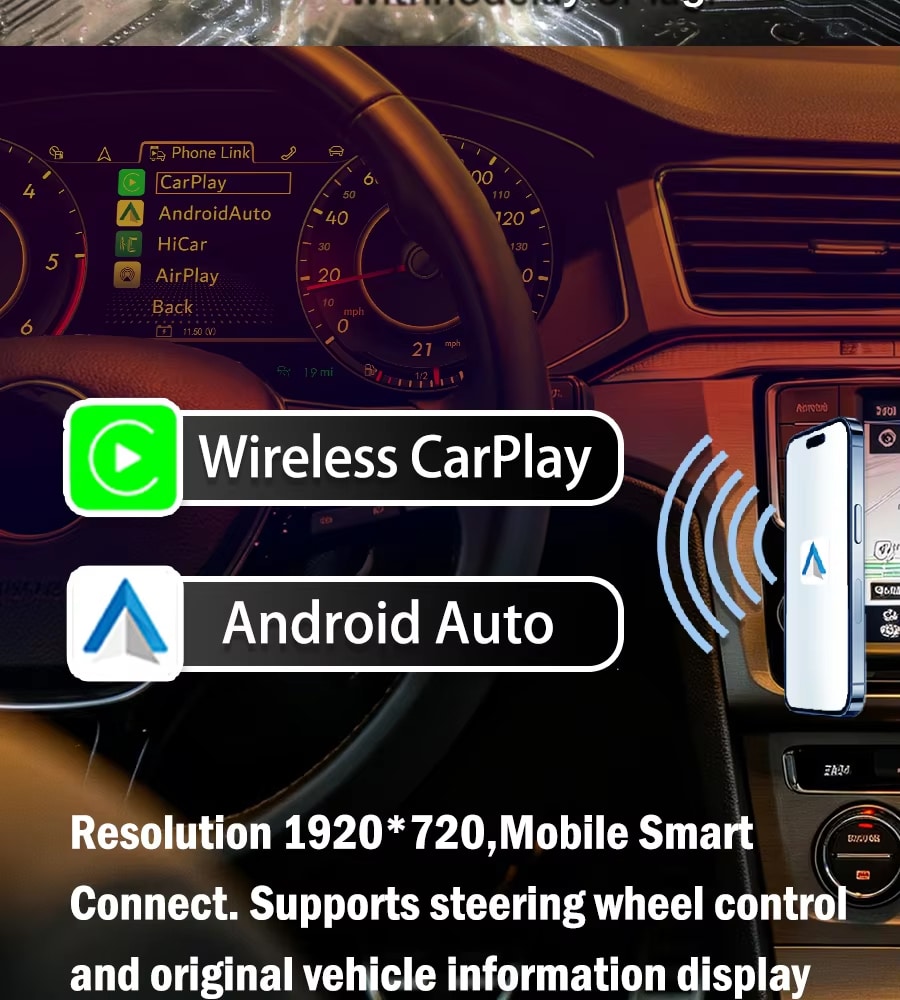

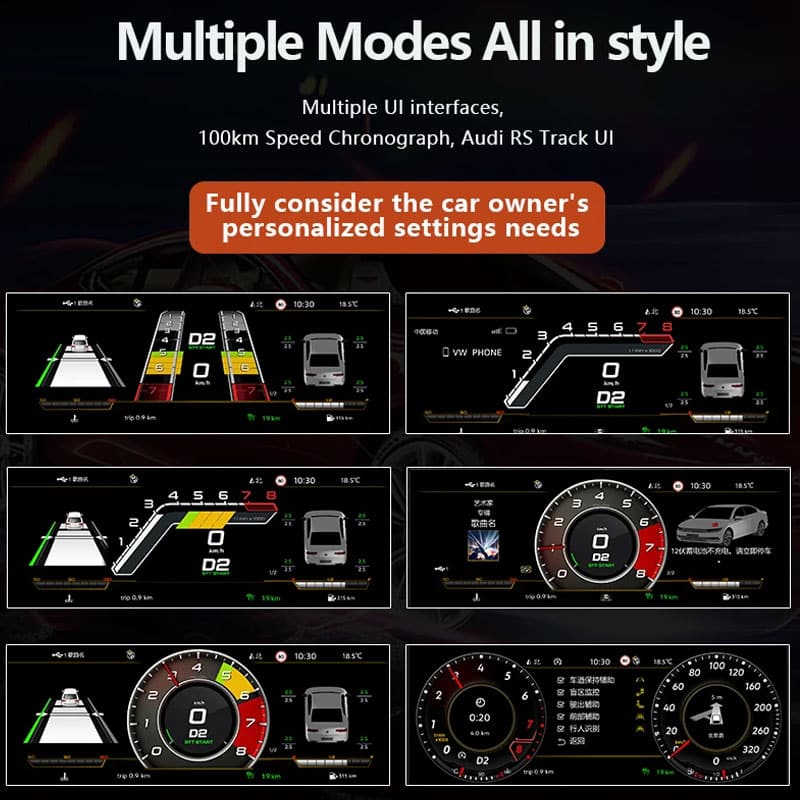








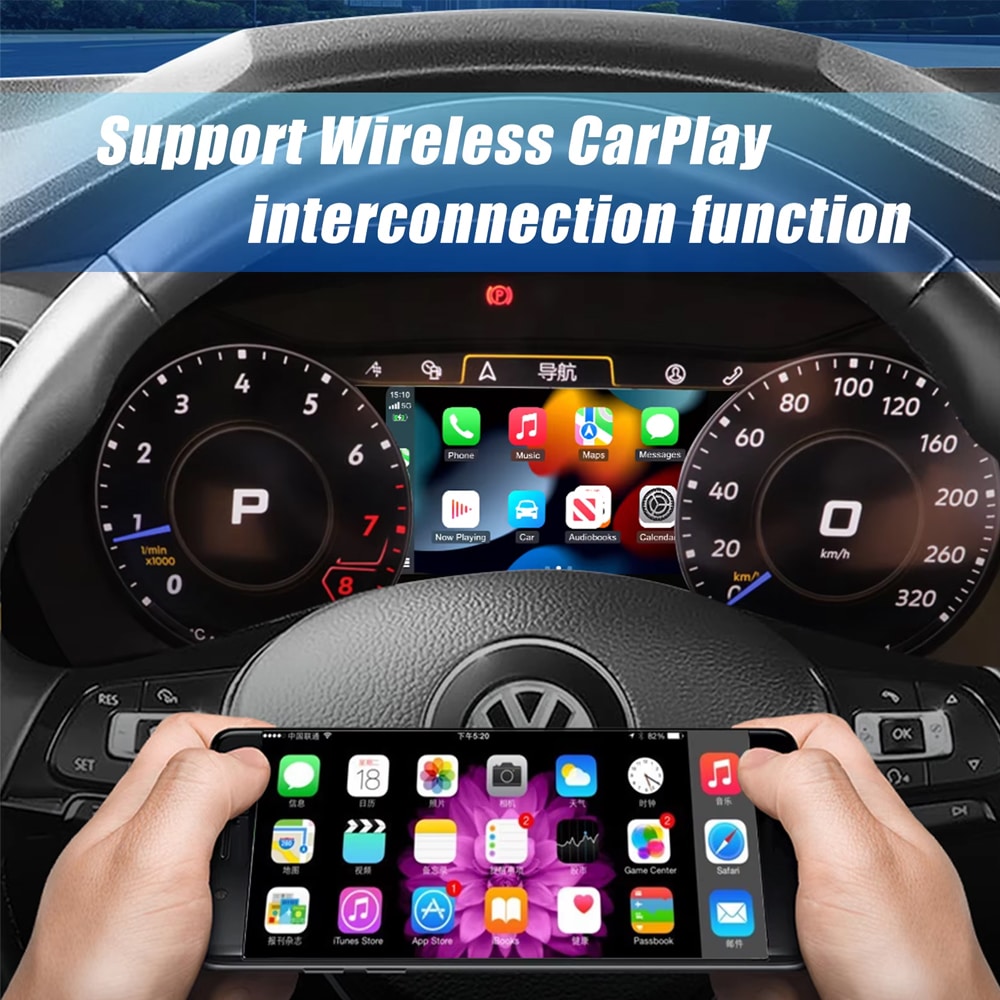
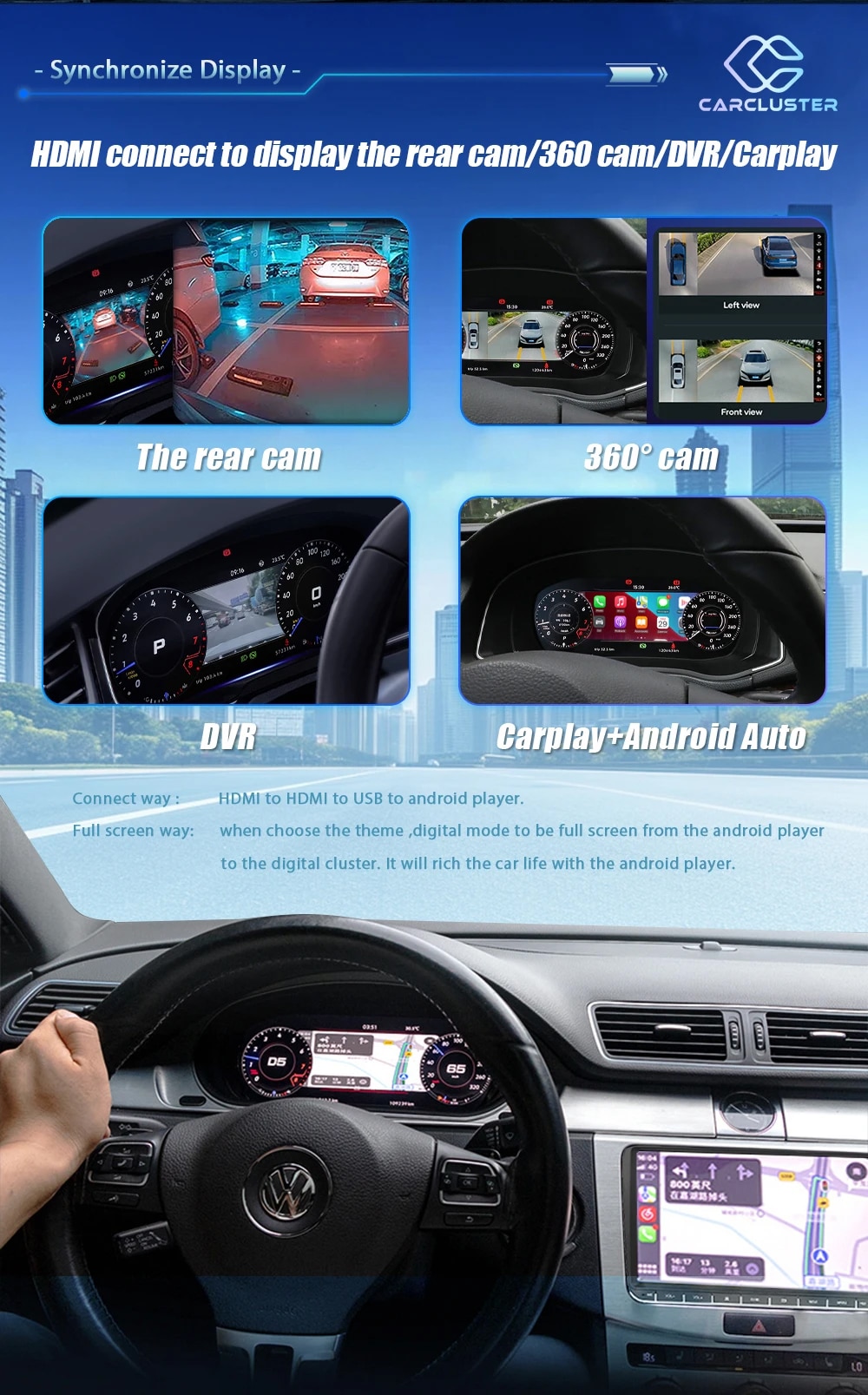
 Беспроводной CarPlay
 Android Auto
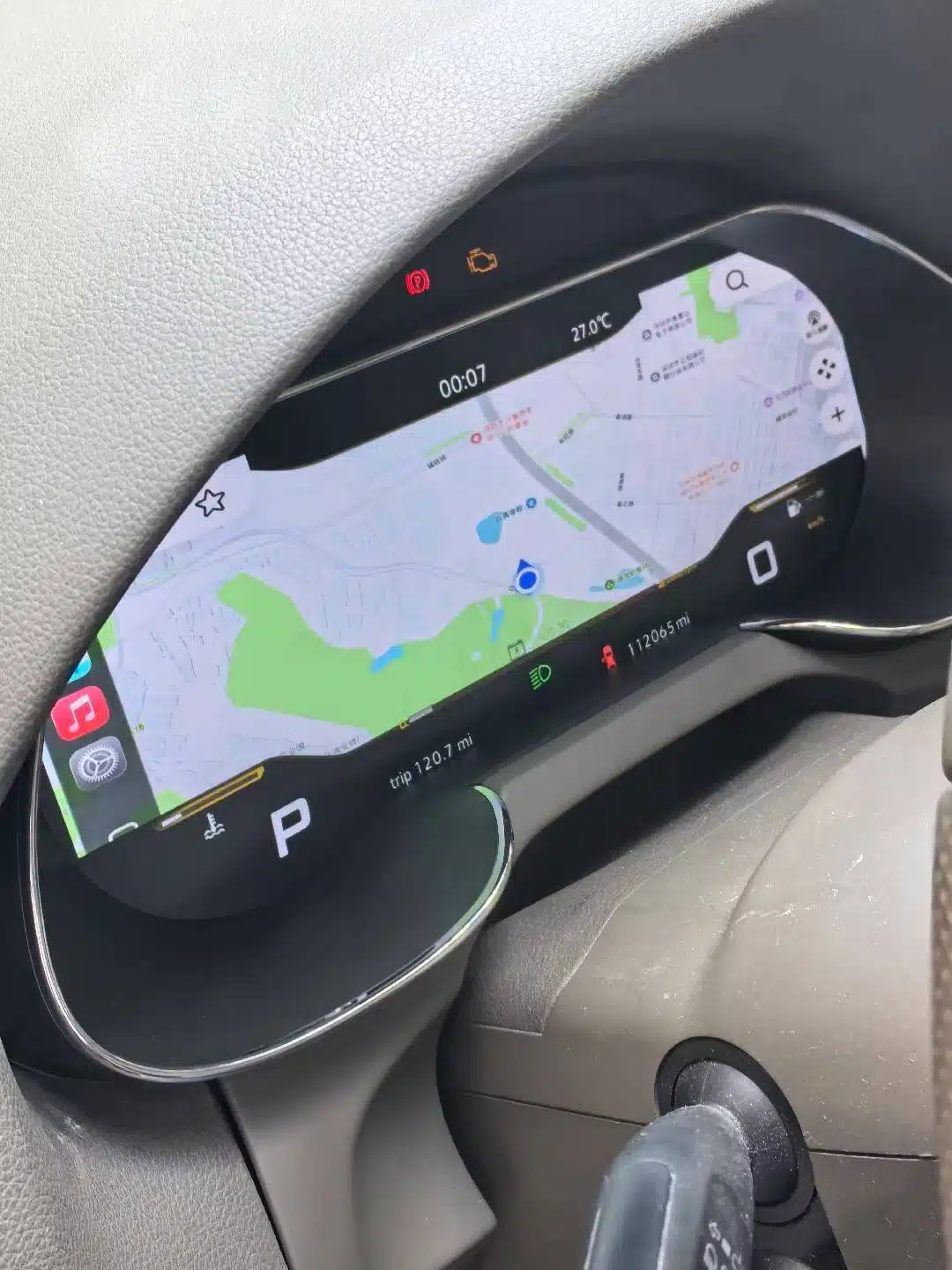
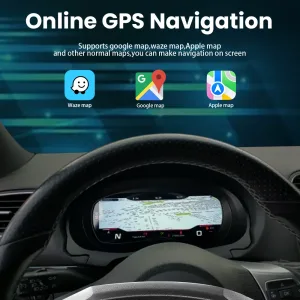
 Навигация
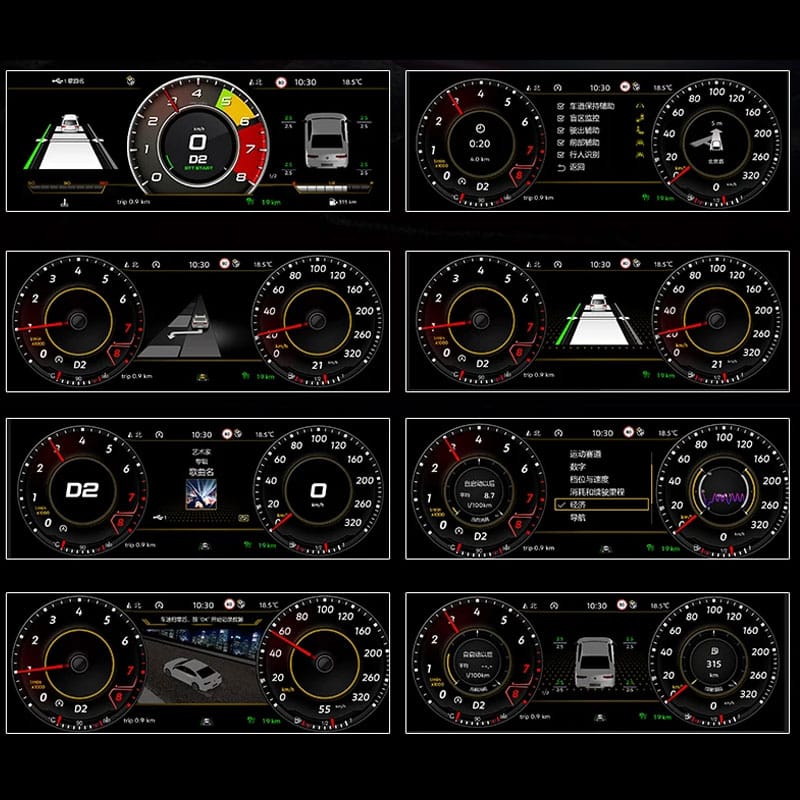
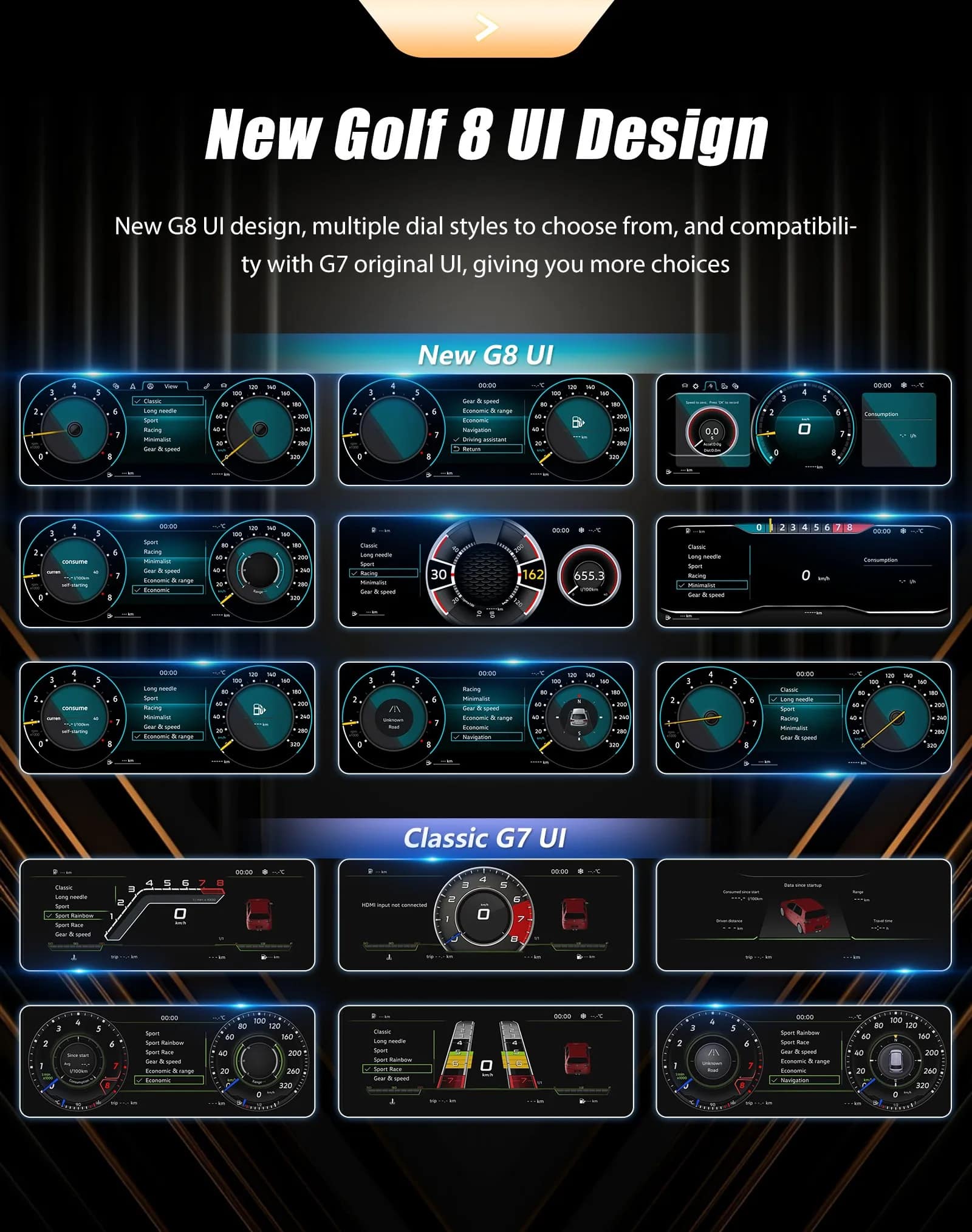
 Данные об автомобиле
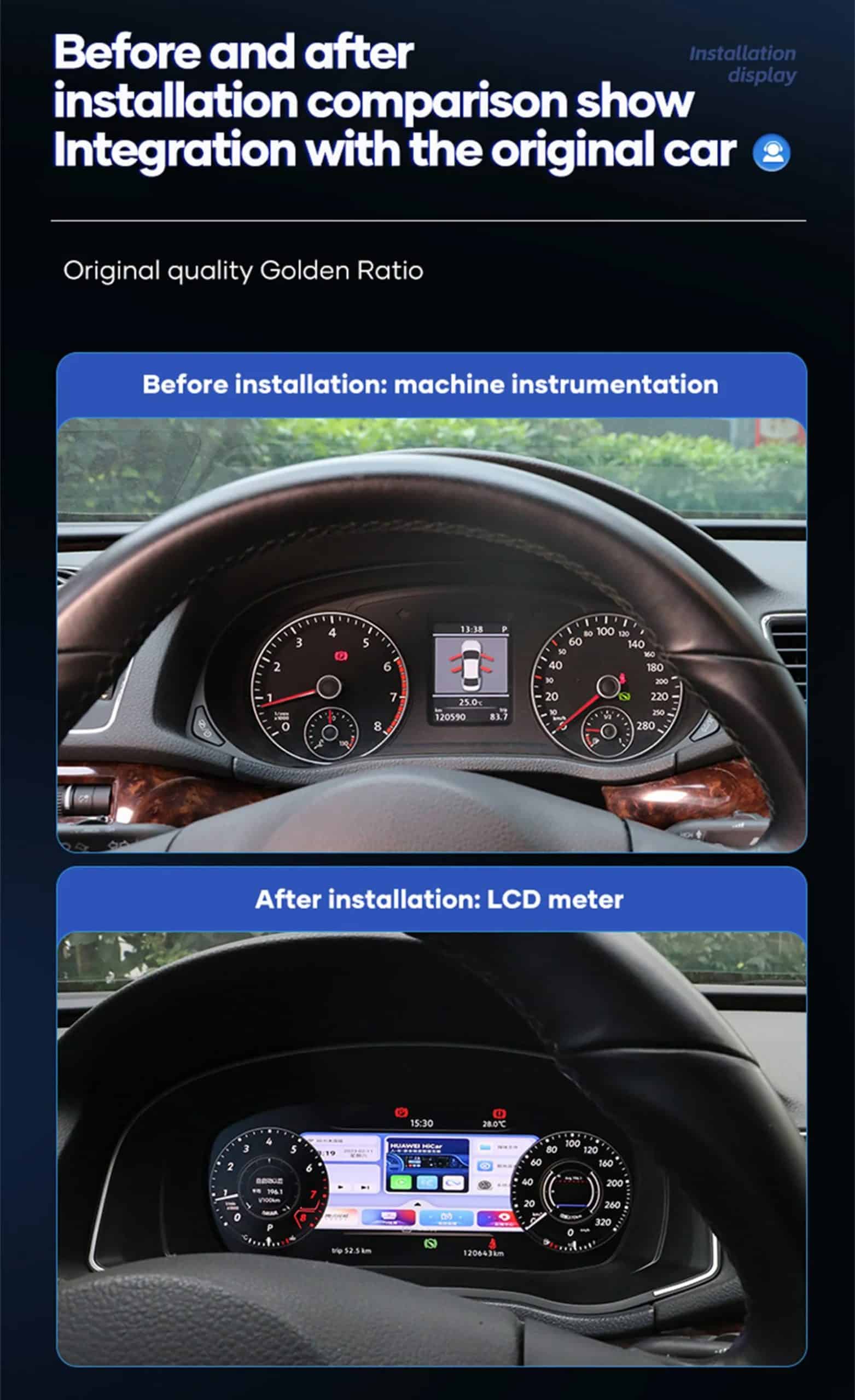
 Специфичная для автомобиля установка











Брэндон Коул -
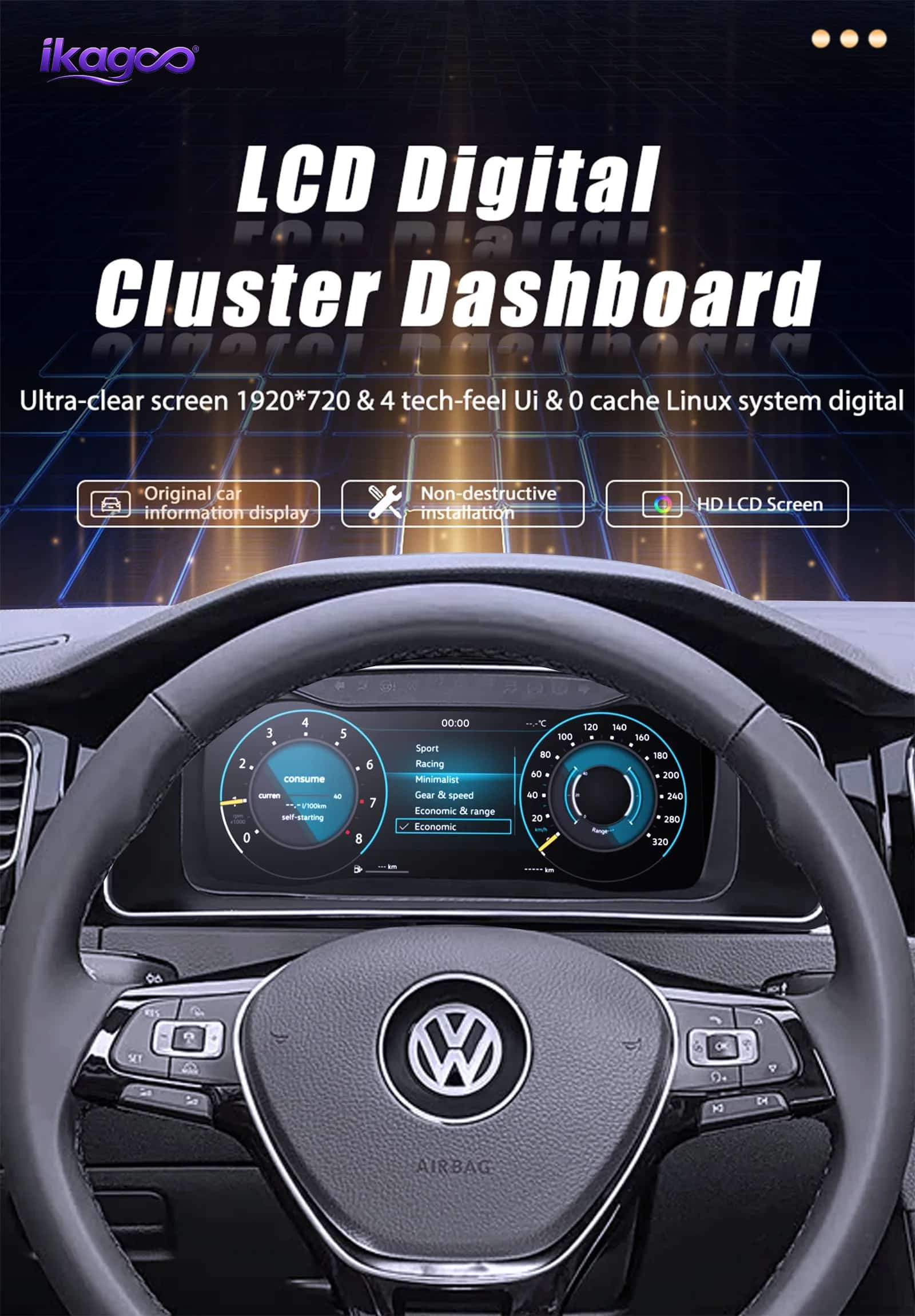
Установлено в Jetta 2021. Android Auto отлично работает для навигации, и панель выглядит гораздо современнее.
Жюльен Моро -
Экран выглядит очень хорошо, и данные автомобиля легко читаются.