01
Откуда отправляются заказы и сколько времени занимает доставка?
Большинство заказов iKAGOO отправляются с нашего склада
в Китае после проверки конфигурации продукта и информации
о транспортном средстве.
Обычная обработка заказа занимает примерно
1–3 рабочих дней.
Ориентировочный срок доставки после отправки, как правило:
- США и Канада: примерно 5–9 рабочих дней
- Европейский союз: примерно 7–15 рабочих дней
- Великобритания и Австралия: примерно 7–10 рабочих дней
- Другие поддерживаемые регионы: примерно 7–20 рабочих дней
Таможенное оформление, праздники, погода, задержки перевозчика и
доставка в отдаленные районы могут повлиять на эти оценки.
02
Нужно ли мне платить НДС, импортные пошлины или таможенные сборы?
Стандартная международная доставка обычно не включает
НДС страны назначения, импортные пошлины, брокерские сборы или
сборы за таможенное оформление.
Для соответствующих направлений в Европейском Союзе,
Может быть доступна доставка DDP.
Импортные сборы включаются только в том случае, если DDP выбран
при оформлении заказа или подтвержден iKAGOO в письменной форме до отправки.
Когда DDP не выбран, сборы, взимаемые местными таможенными органами
или службой доставки, обычно являются обязанностью получателя.
03
Можно ли заказать экспресс-доставку и как отследить посылку?
Экспресс или ускоренная доставка может быть доступна для отдельных
товаров и направлений. Наличие, перевозчик и любые
дополнительные расходы подтверждаются перед отправкой.
В зависимости от маршрута и типа товара, iKAGOO может использовать DHL,
FedEx, UPS, EMS, 4PX или другого отслеживаемого логистического оператора.
После отправки номер отслеживания или ссылка для отслеживания
обычно отправляются на адрес электронной почты, использованный для заказа.
Обновления отслеживания могут появляться в течение нескольких рабочих дней
при международных пересылках перевозчиком.
04
Какова политика возврата и возмещения?
Право на возврат зависит от причины возврата, состояния
продукта, статуса установки, подтверждающих документов и
того, был ли возврат одобрен компанией iKAGOO.
При одобренном возврате товара надлежащего качества продукт, как правило,
должен оставаться неиспользованным, неустановленным, полным и пригодным для перепродажи.
Покупатель, как правило, несет ответственность за одобренные расходы по обратной
доставке.
Первоначальная стоимость доставки, DDP, НДС, таможенные пошлины и другие логистические
расходы, как правило, не возвращаются, если это не требуется законом или
иным образом не подтверждено компанией iKAGOO.
Не отправляйте товар обратно до получения одобренного
адреса возврата и инструкций по возврату от iKAGOO.
05
Что делать, если товар по-прежнему невозможно установить после проверки совместимости?
Дополнительная защита может применяться, когда iKAGOO проверил
совместимость с автомобилем, клиент предоставил точную информацию об автомобиле,
а также разумные шаги по установке и диагностике
были завершены.
Если iKAGOO подтвердит, что разумное техническое решение
недоступно, и о проблеме сообщено в течение
через 7 календарных дней после доставки,
клиент может иметь право на возмещение стоимости товара
без необходимости возврата товара.
Оригинальная доставка, DDP, НДС, таможенные пошлины и иные
платежи третьих лиц не включаются в возмещение стоимости товара.
06
Какая гарантия предоставляется, и аннулируется ли она при вскрытии товара?
Подходящие товары включают
12-месячная ограниченная гарантия на аппаратное обеспечение
покрывающую подтверждённые производственные дефекты и подлежащие гарантии аппаратные
сбои при нормальном использовании.
В зависимости от подтверждённой проблемы поддержка может включать удалённую
диагностику, помощь в настройке, замену деталей,
ремонт, замену изделия, частичный или полный возврат денежных средств.
Осмотр или проверка третьей стороной не аннулирует автоматически
всю гарантию. Однако повреждения, вызванные
неавторизованным ремонтом, некорректной модификацией, нарушением цепей,
неправильной сборкой, неверным подключением, ударом, попаданием воды
или неправильным использованием, обычно не покрываются.
Свяжитесь с iKAGOO перед разборкой, модификацией или ремонтом
изделия, чтобы можно было предоставить правильную процедуру диагностики.
07
Что делать, если мой заказ пришел поврежденным или в нем отсутствуют какие-то детали?
Свяжитесь с iKAGOO в течение
через 7 календарных дней после доставки
и сохраните оригинальную упаковку, транспортную накладную, аксессуары
и товар.
Пожалуйста, предоставьте четкие фотографии или видео, на которых видно:
- Внешняя транспортная коробка и транспортная этикетка
- Видимое повреждение упаковки
- Продукт и пораженный участок
- Все аксессуары и проводка получены
После проверки iKAGOO может организовать отправку недостающих деталей,
замену, ремонт, возврат денежных средств или другое разумное решение.
08
Что, если я заказал не ту версию или мне нужно изменить заказ?
Свяжитесь с iKAGOO как можно скорее и до установки.
Для изменения адреса, конфигурации автомобиля или товара свяжитесь
с нами желательно в течение
Через 12 часов после оформления заказа.
Обмен или возврат может быть одобрен, если ошибочно
выбранный товар остаётся неиспользованным, неустановленным, комплектным и
пригодным для перепродажи. Клиенты обычно несут ответственность за
соответствующие расходы на доставку и разницу в цене.
Товары, привязанные к конкретному автомобилю, могут поступить на этап закупки, программирования,
тестирования или конфигурации вскоре после оплаты. После начала подготовки
или отгрузки отмена может быть уже невозможна,
или могут быть вычтены разумные уже понесённые расходы.
09
Что входит в комплект?
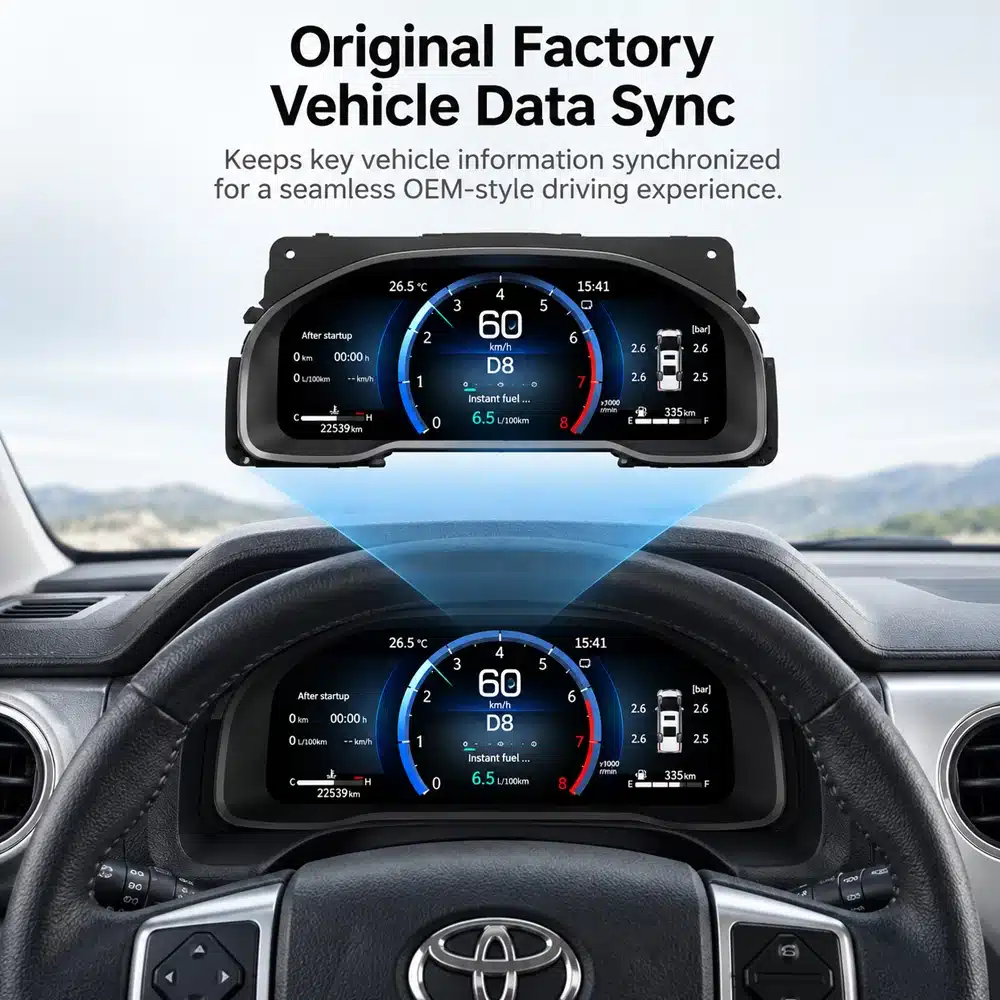
Комплектация поставки зависит от продукта, модели автомобиля, заводской системы
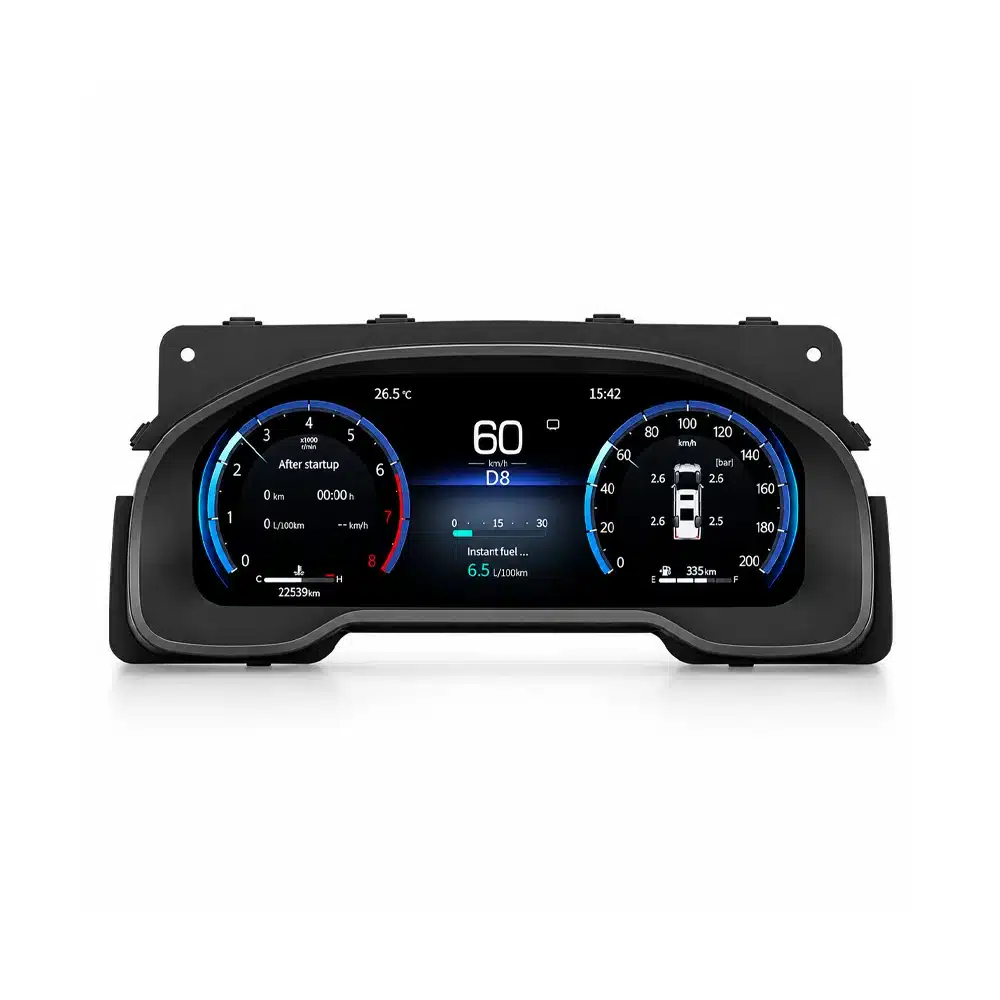
и выбранной конфигурации.
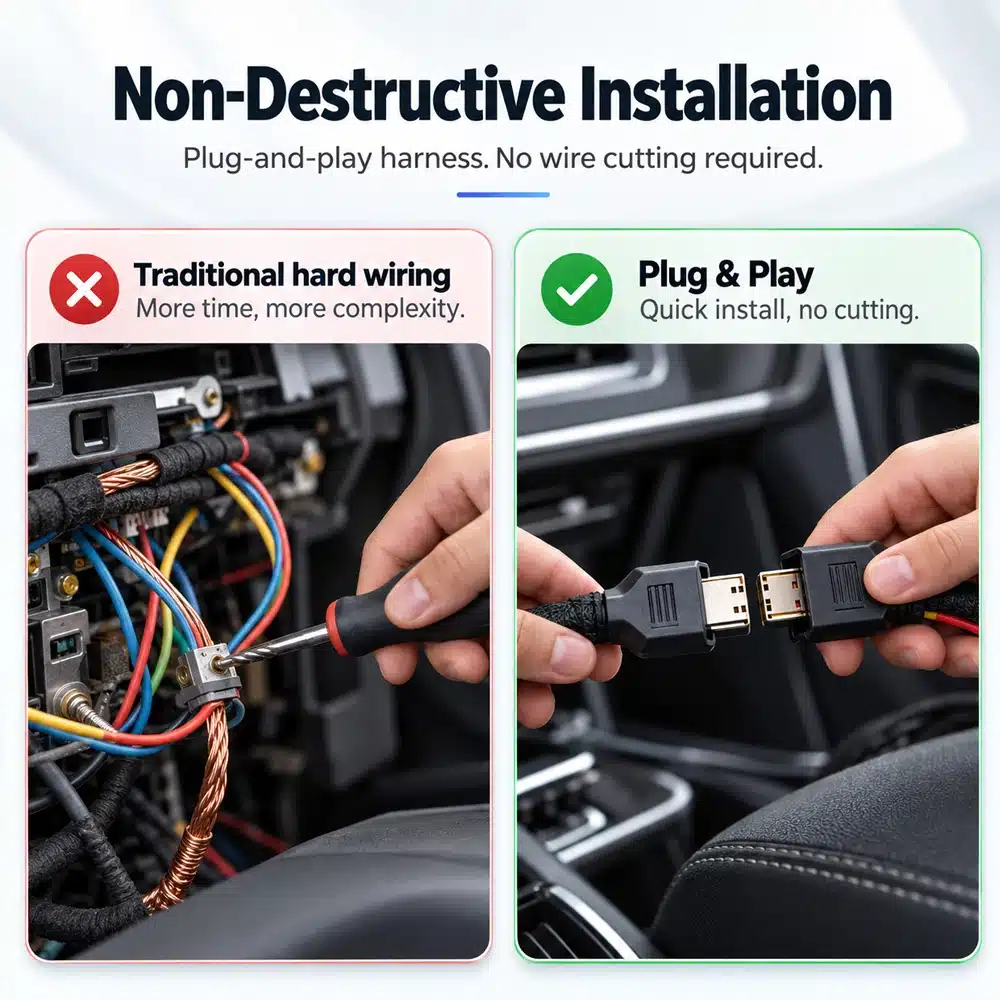
В зависимости от продукта комплект может включать основное
устройство, жгуты проводов для конкретного автомобиля, интерфейс CANBUS,
адаптеры, USB-кабели, антенны, микрофоны, крепёжное оборудование
или другие аксессуары, необходимые для установки.
Для получения точного состава вашего заказа обратитесь к соответствующим фотографиям товара, спецификациям и подтверждению
заказа.
10
Как связаться с iKAGOO для технической поддержки или послепродажного обслуживания?
Вы можете связаться с iKAGOO через форму обратной связи на сайте,
WhatsApp или другие доступные каналы поддержки. Типичное время
ответа — в течение 24 рабочих часа.
Для более быстрой технической диагностики укажите номер вашего заказа,
марку и год выпуска автомобиля, соответствующие фотографии заводской системы,
фотографии товара и понятное видео, демонстрирующее проблему.
Свяжитесь со службой поддержки iKAGOO →
11
Безопасна ли оплата и доступны ли варианты рассрочки?
Платежи обрабатываются через безопасные методы оплаты,
отображаемые при оформлении заказа.
Доступные варианты оплаты картой, кошельком и в рассрочку могут различаться в зависимости от
страны, валюты, платежного провайдера и соответствия клиента требованиям.
Услуги рассрочки, включая варианты, предлагаемые PayPal или
другим платежным провайдером, зависят от региональной доступности
и требований одобрения этого провайдера.
Этот раздел представляет собой упрощенное руководство для клиентов. Полные опубликованные
страницы политик, подтверждение заказа и применимое законодательство о защите прав потребителей имеют
преимущественную силу при любых расхождениях в формулировках.























Отзывы
Отзывов пока нет.